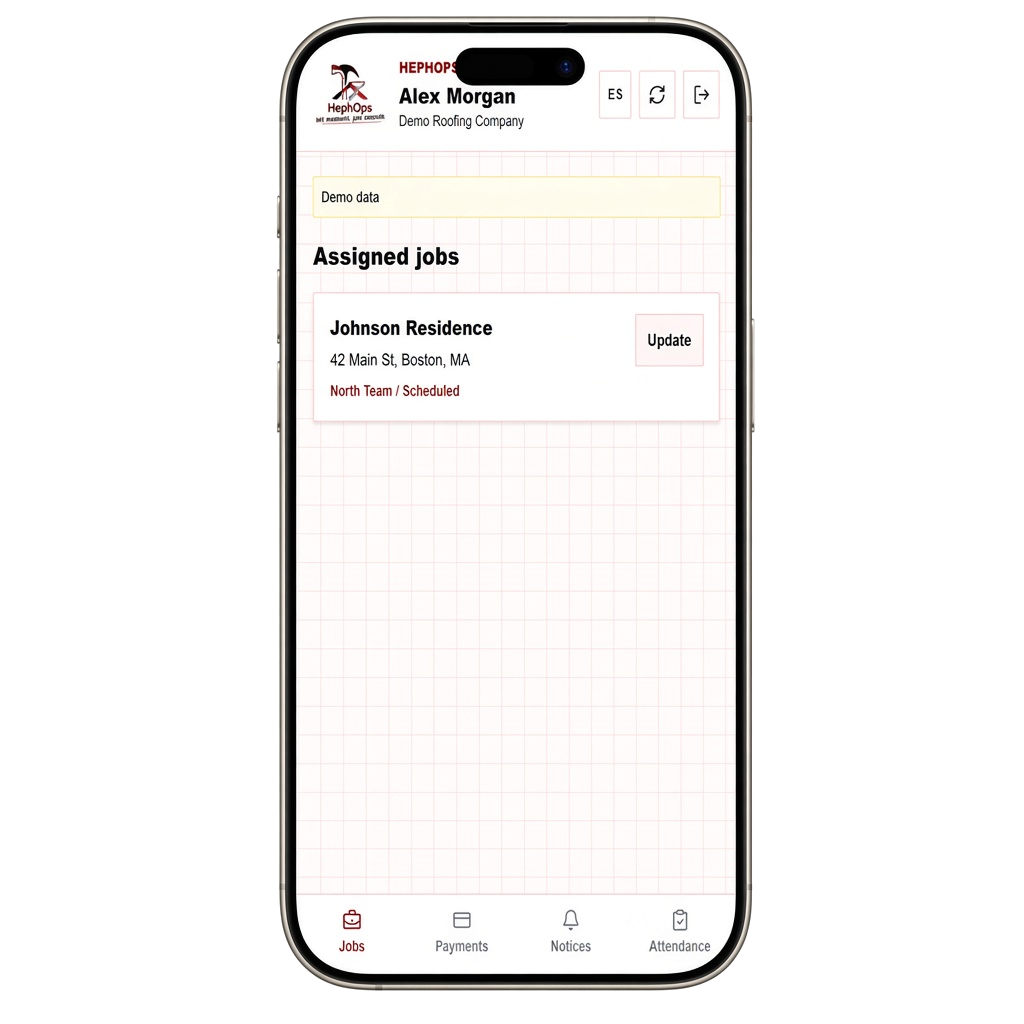
Field team app
Your field work, right on your phone.
Total control of your field team, in real time!
Add to your home screen
- 1Open Safari on your iPhone and go to app.hephops.com.
- 2Tap Share, the square icon with an upward arrow in the bottom toolbar.
- 3Scroll down and tap Add to Home Screen.
- 4Change the shortcut name if you wish, then tap Add in the upper-right corner.
- 1Open Chrome on your Android device and go to app.hephops.com.
- 2Tap the three-dot menu in the upper-right corner.
- 3Tap Install app or Add to Home screen.
- 4Confirm the installation, then open the HEPHOPS Field icon.
This is a web app: it requires an internet connection and a team login authorized by your company. The preview is illustrative and does not change real data.